Your Dashboard
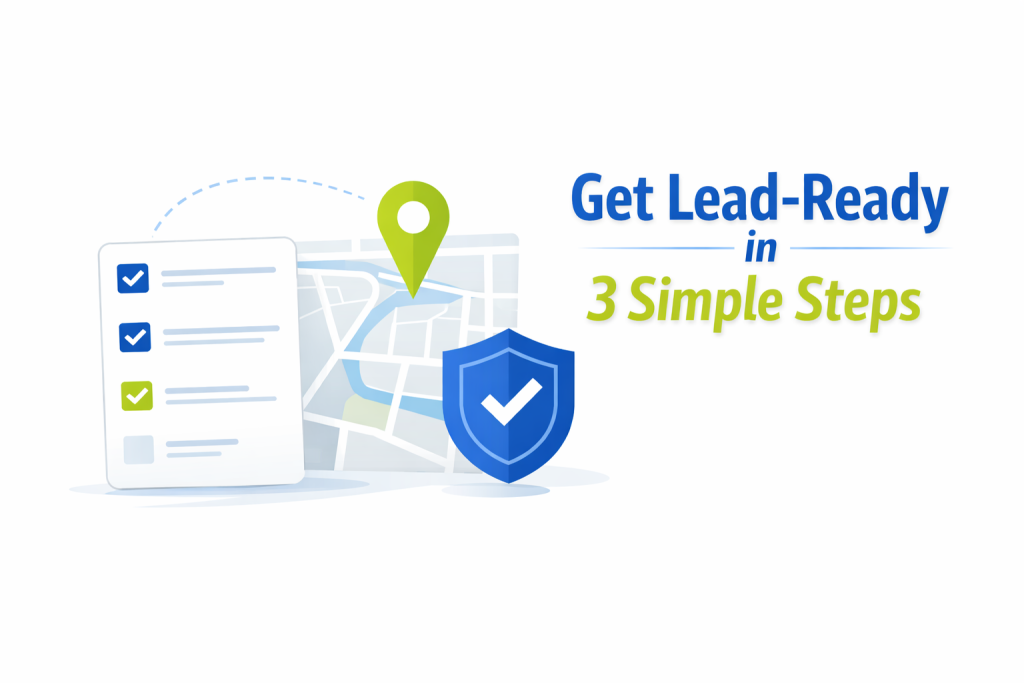
Start by getting lead-ready. This protects routing quality and helps you book the right jobs.
Leads are visible now. Contact info unlocks after setup.

Lead-Ready Checklist
Required for accurate routing. Leads may be limited until complete.
Verification —
Not Started
Service Area + Services —
Not Started
Availability —
Not Started
These settings control routing. If they’re wrong, lead fit drops and refunds increase.
Leads Near You (Preview)
These are real requests. Unlock contact info by completing the checklist.
Lead #1
Customer: Mike R.
Service: Full Interior Detail + Pet Hair
Vehicle: 2023 Toyota RAV4
Location: Phoenix (ZIP visible OK)
Timing: Wants this week (2–4 day window)
Fit signals (small chips): Pet hair • Kid mess • Wants quote today
Contact (locked row): Phone & Email locked until Lead-Ready is complete
Lead #2
Customer: Sarah K.
Service: Exterior Detail + Spray Sealant
Vehicle: Mercedes-AMG CLE
Location: Glendale
Timing: Weekend preferred
Fit signals: Maintenance • Repeat potential
Contact (locked row): Phone & Email locked until Lead-Ready is complete
Lead #3
Customer: Carlos M.
Service: Paint Correction Interest (1-Step)
Vehicle: Toyota Supra
Location: Tempe
Timing: Flexible
Fit signals: Swirl concern • Higher ticket
Contact (locked row): 🔒 Phone & Email locked until Lead-Ready is complete
Why contact info is locked
We only unlock address, phone and email after you set your service area, availability, and verification. That keeps routing accurate and protects customers from spam.
Your Metrics
Activates once you’re lead-ready.
-
Leads Available
Activates once lead-ready
-
Contacts Unlocked
Activates once lead-ready
-
Booked Jobs
Activates once lead-ready
We track lead → connect → book so you can improve over time.
How Buffr protects quality
Fit + intent routing
We screen requests so you waste less time.
Clear refund standards
Refunds require documented contact attempts.
Direct customer connection
When unlocked, you contact the customer directly.